
Players must sign an online waiver each season prior to participating in any VDL sponsored event, which includes, but is not limited to: league nights, tournaments, skill clinics and playoffs. Day of signings are permitted; however, you risk not being able to claim if injury occurs. There are no exceptions; any substitute players brought in must sign an online waiver as well.
Signing the waiver not only states that you agree to waive all rights to hold legal action against VDL for dodgeball play, but also that you understand dodgeball can be a dangerous sport that may result in injuries, and that you’ve been forewarned.
VDL respects your privacy and we will not share your personal information with third parties.
Registration instructions can vary depending on which league night you’re signing up for.
Please click the most appropriate option below to view the instructions:
General
- Register in VDL’s Player Management System: reg.vdldodgeball.ca.
Here you will create a player profile and sign your waiver. - Add yourself to a team roster or as a free agent
- Team roster instructions: Sign in > Click “Register To Play” > Register for the respective season > Click “Register Player” > Select the division and the tier your team captain signed up for > In the drop down menu, choose the team that corresponds to your captain > Click on “Join the selected team”
- You must complete this process for each team you will be playing on. Players who are not on a team roster will be ineligible to participate in the playoffs.
- Free agent instructions: Sign in > Click “Register To Play” > Register for the respective season > Click “Register Player” > Select the division and tier you wish to play > Click “Register as free agent” or “Register a free agent pair”
- As a free agent, VDL will form a team of individual sign up players and create a team for the upcoming season.
- Team roster instructions: Sign in > Click “Register To Play” > Register for the respective season > Click “Register Player” > Select the division and the tier your team captain signed up for > In the drop down menu, choose the team that corresponds to your captain > Click on “Join the selected team”
- Look for the email confirmation
You should receive a confirmation email indicating you have been added to the roster of your selected teams Captains, remember you will have the ability to remove players who are not supposed to be on your roster.
Women’s Division
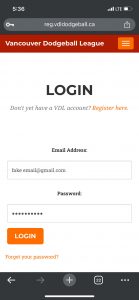
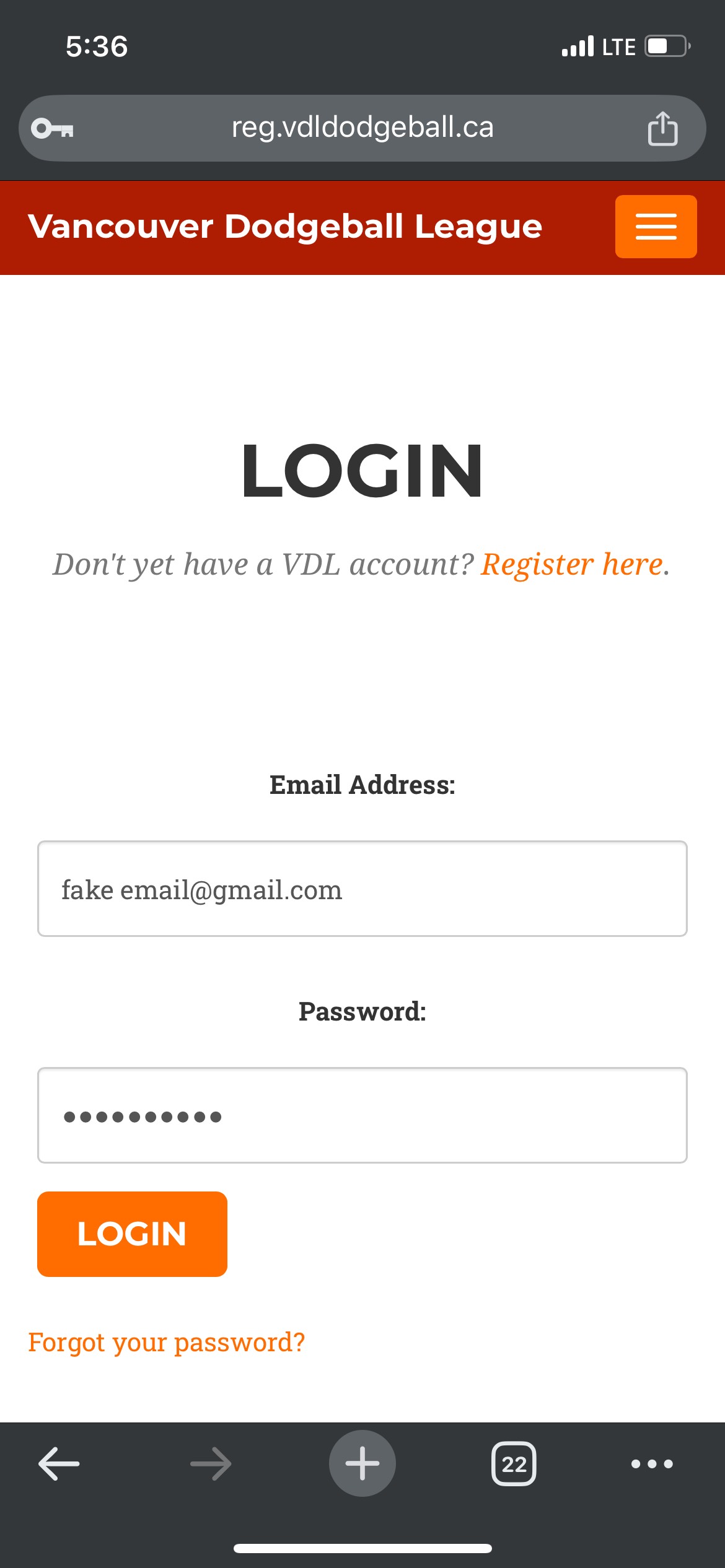
- Login here: reg.vdldodgeball.ca
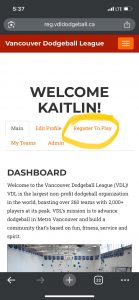
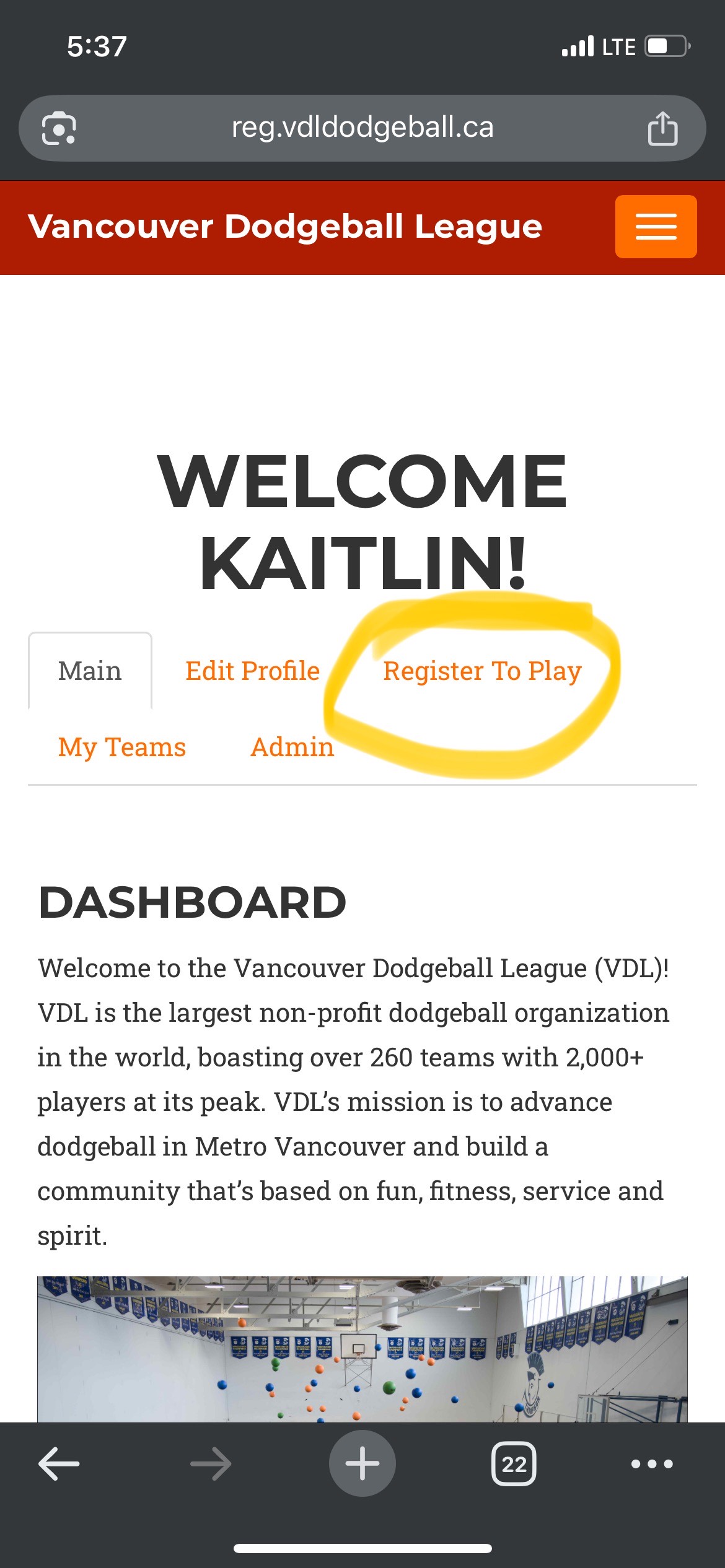
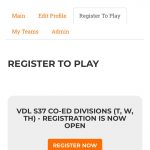
- Click Register to Play
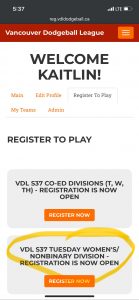
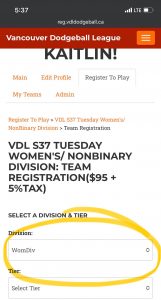
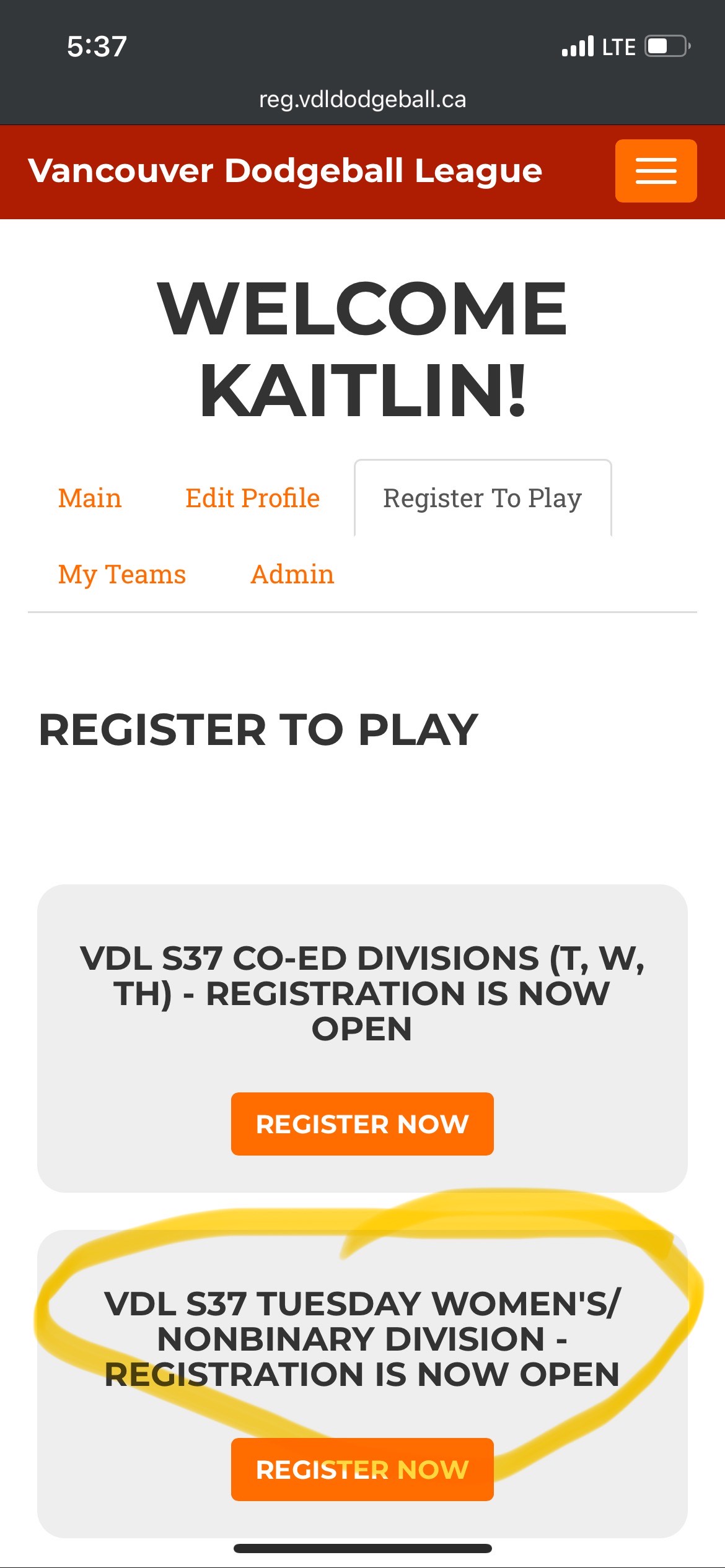
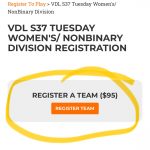
- Click Register Now under the current heading for “VDL Tuesday Women’s Division”
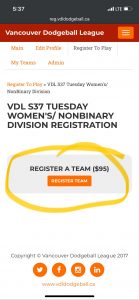
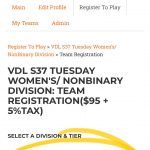
- Join a New Team or Existing Team →
Enter your name or the names of you and your friends names: ex. “Jane Chan” or “Jane Chan/Vic Jones” or “Jane Chan/Vic Jones/Sam Wu”
[*You can register as a single player, a pair, or a trio. Each person pays for themselves and registers themselves as a “new team” independently, even if they are part of a pair or a trio by creating a team name with the people that they want to play with] - Pay for registration through PayPal
You should receive a confirmation email indicating you have been added to the roster of your selected teams.
Captains, remember you will have the ability to remove players who are not supposed to be on your roster.
Screenshots
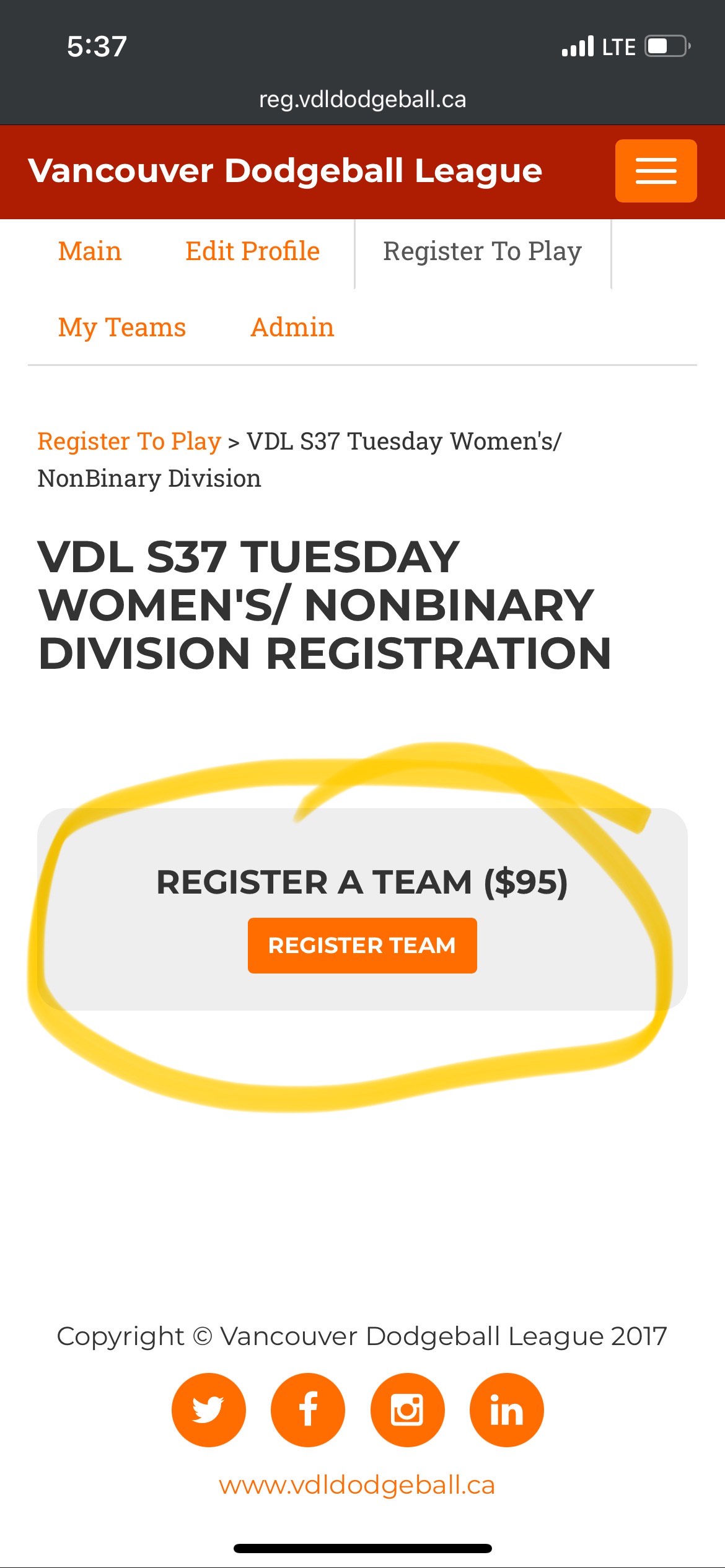
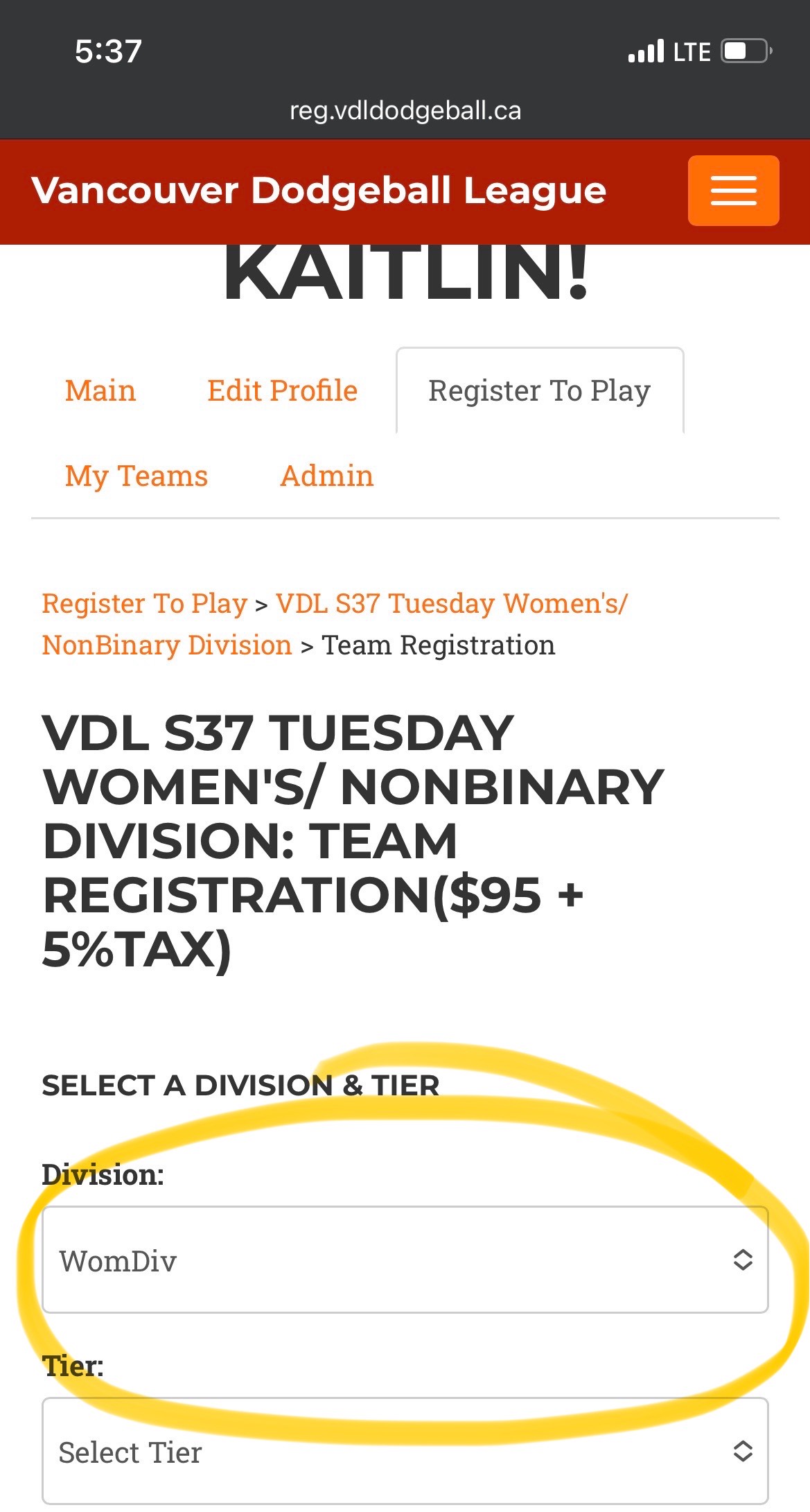
(Click to view larger versions)
Questions or comments? Please email us at register@vdldodgeball.ca. We look forward to hearing from you!